ClipKeeper: Sports Video Backup for GameChanger®
Own your sports memories forever.
ClipKeeper is a Chrome extension that helps parents and coaches keep the sports clips and full game videos they can already watch. One click and the play is yours: original quality, neatly named, saved right to your computer.
For use with GameChanger®, across baseball, softball, basketball, and the rest of the lineup.
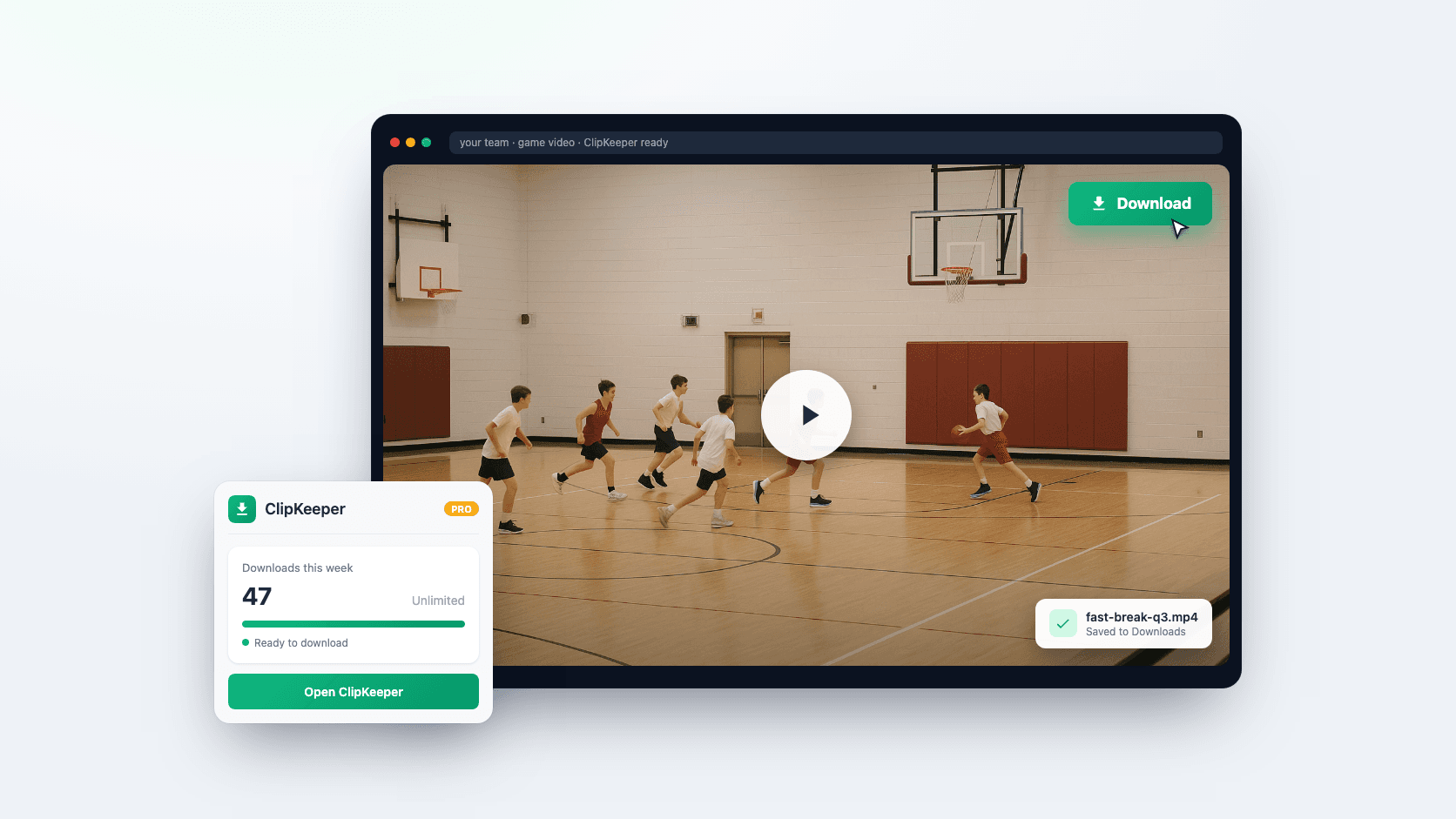
Everything You Need to Keep Your GameChanger® Videos
Saving, organizing, and keeping your family's sports highlights should be the easy part. ClipKeeper handles it so you can get back to cheering.
Full Game Backup (Pro)
Save the entire game as one MP4, perfect for the family archive, film review, or that highlight reel you keep meaning to make.
One Click Saves
See a clip or full game you can already watch? Tap the green ClipKeeper button and it lands in your archive. That's the whole trick.
Batch Saves (Pro)
Filter by player or play type, then grab every matching clip in one go. A lifesaver for recruiting reels and end of season highlights.
Smart File Naming
Every file is named for you with player, play type, and inning. No more squinting at video_001.ts trying to remember which kid that was.
Lightning Fast
Saves wrap up fast, at full original quality.
How It Works
From install to saved video in about a minute. If you can click a button, you've got this.
Install the Extension
Add ClipKeeper to Chrome from the Web Store. Blink and you might miss it, about ten seconds.
Open Your Videos
Head to GameChanger® on web.gc.com and open any clip or full game you can already watch.
Save Locally
Tap the green ClipKeeper button and the video saves straight to your computer.
Enjoy Forever
It's yours now, ready for family group chats, editing, and those highlight reels.
Honest, Simple Pricing
Start free, upgrade when you're ready. A whole season's family sports archive runs less than three dollars a month.
Free
Great for grabbing the occasional gem
- 3 local saves per week
- Smart file naming (player, play, inning)
- For use with GameChanger® videos you can already view
- Chrome extension
Pro Monthly
Easy come, easy go, month to month
- Full-game video backup (MP4)
- Unlimited local saves
- Batch save entire games
- Filter by player
- Priority support
Pro Yearly
The sweet spot for a busy season
- Full-game video backup (MP4)
- Unlimited local saves
- Batch save entire games
- Filter by player
- Priority support
Not feeling it? A 7 day money back guarantee on every Pro plan, no questions asked.
ClipKeeper Pro is $29 a year, about what a weekend at the concession stand costs.
What Chrome users are saying
“easily solves the problem of downloading clips from Gamechanger”
“Love it so far, makes downloading so simple.”
“Love this product! It is so much easier to get the full videos from Gamechanger.”
Frequently Asked Questions
The stuff sports parents actually ask us
ClipKeeper is a Chrome extension that turns your kid's games into a video library you actually own. See a play worth keeping on GameChanger? One click drops it onto your computer with a clean, sensible file name, yours for good. A youth sports parent built it, because watching the highlights live is great, but having them forever is better.